Check
this
out
With the Pro licence, you can import BIM files (.ifc) and Autodesk 3D files (.dwg) directly into Crane Planner 2.0
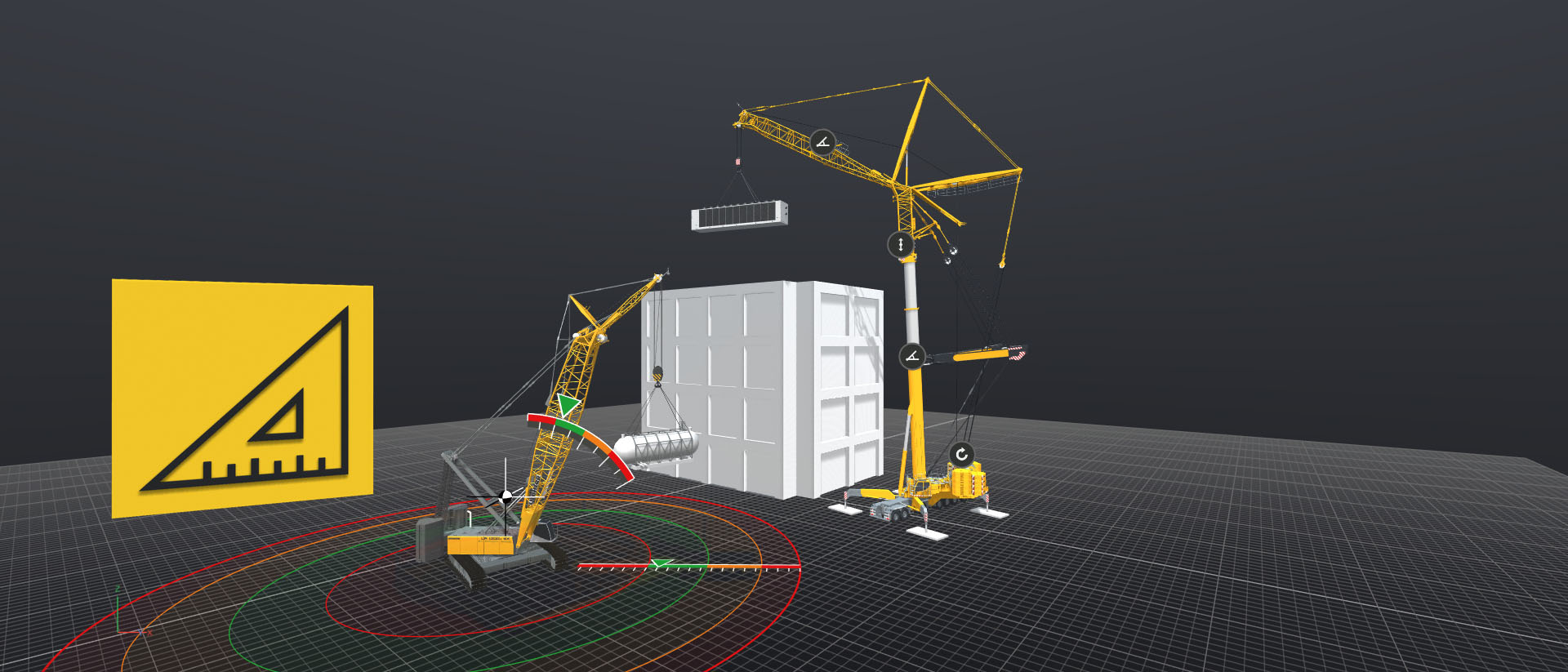
3D software for lift planning
Planning a heavy lift is a demanding task. But even supposedly simple lifting operations using mobile and crawler cranes can turn out to be more complicated than initially expected. Crane Planner 2.0 helps you to take all eventualities into account and to find solutions in advance so that you can carry out your lift in the best possible way.
The combination of an attractive, three-dimensional user interface and the exact machine data of the load moment limitation (LML / LICCON) is unique. The data displayed in Crane Planner 2.0 are determined by exactly the same calculation logic as the live data of the real mobile and crawler cranes. At the same time, important key figures such as ground bearing pressures, ground force, loads and centres of gravity are determined. A new calculation is carried out with every change in configuration, load or geometry.
Why you should plan a lift, which special features have to be considered and how the Crane Planner 2.0 can support you is described in the new podcast from 'Engineering Matters'.
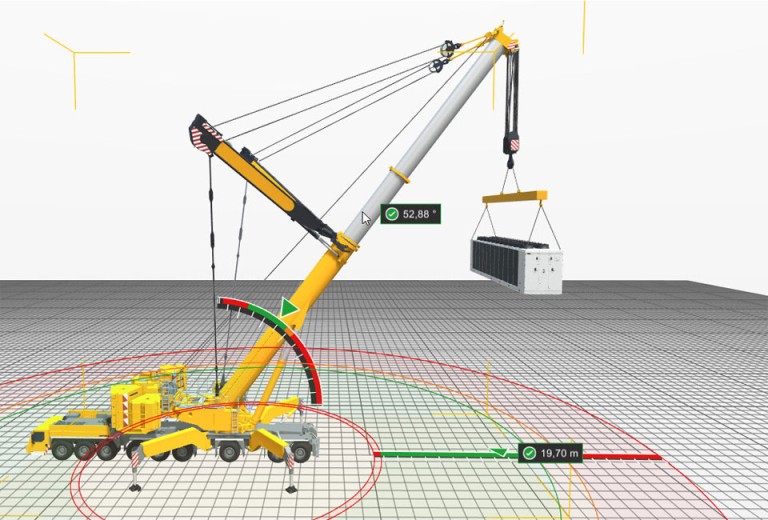
Impressive visualisation


Reliable database


Your planning at a glance!
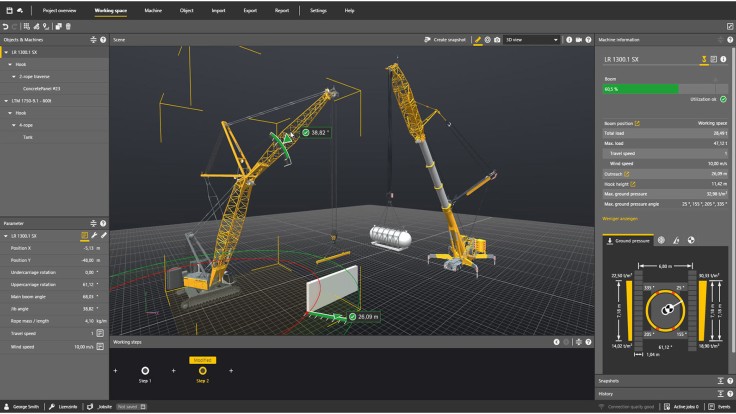
With Crane Planner 2.0, Liebherr provides you with modern lift planning software. There is no need for expensive licences, elaborate hardware and extensive training for CAD software. Our engineers and software developers work daily on new functions and on the integration of further Liebherr cranes. The Crane Planner 2.0 updates are provided to you regularly as part of the selected licence.
First steps
Licences and trial
Do you want to test all the functions and machines first?
You can request a 30-day trial licence free of charge in the licence shop.
All licences are available in the licence shop.


| Functions | Free | Pro | Pro Floating |
| 2D visualisation | x | x | x |
| Planning data (LML / LICCON) | x | x | x |
| Lift report | x | x | x |
| My machines | x | x | |
| 3D visualisation | x | x | |
| Report designer | x | x | |
| Google Maps | x | x | |
| Working steps | x | x | |
| Import/Export | x | x | |
| Object library | x | x | |
| License-sharing* | x | ||
| *The Pro Floating licence is not tied to a user. If a user logs out of Crane Planner, any other user within the company can then use the licence with all the Pro features. For simultaneous use, multiple 'Pro Floating' licences can be purchased. | |||
| System requirements | |||

Tutorials
Everything about Crane Planner 2.0: Basics, registration, functionalities and much more.

Get in touch
If you have any further questions, please contact our local sales or service team:
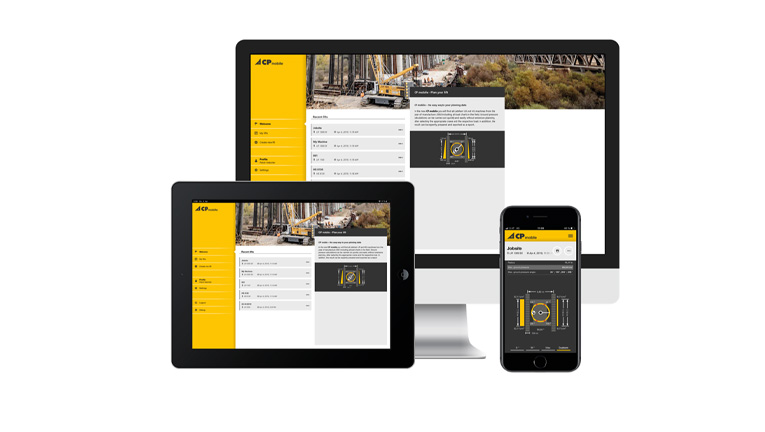
CP mobile
Anytime and everywhere
Here we have packed the planning data of the Crane Planner 2.0 (e.g. ground pressure, utilisation, etc) into a new handy format.
With just a few parameters you can check the feasibility of each lift directly on-site. Fast and straightforward.