
SmartDevice: Your smart refrigerator
Whichever smart fridge or freezer you decide on, your Liebherr can be networked
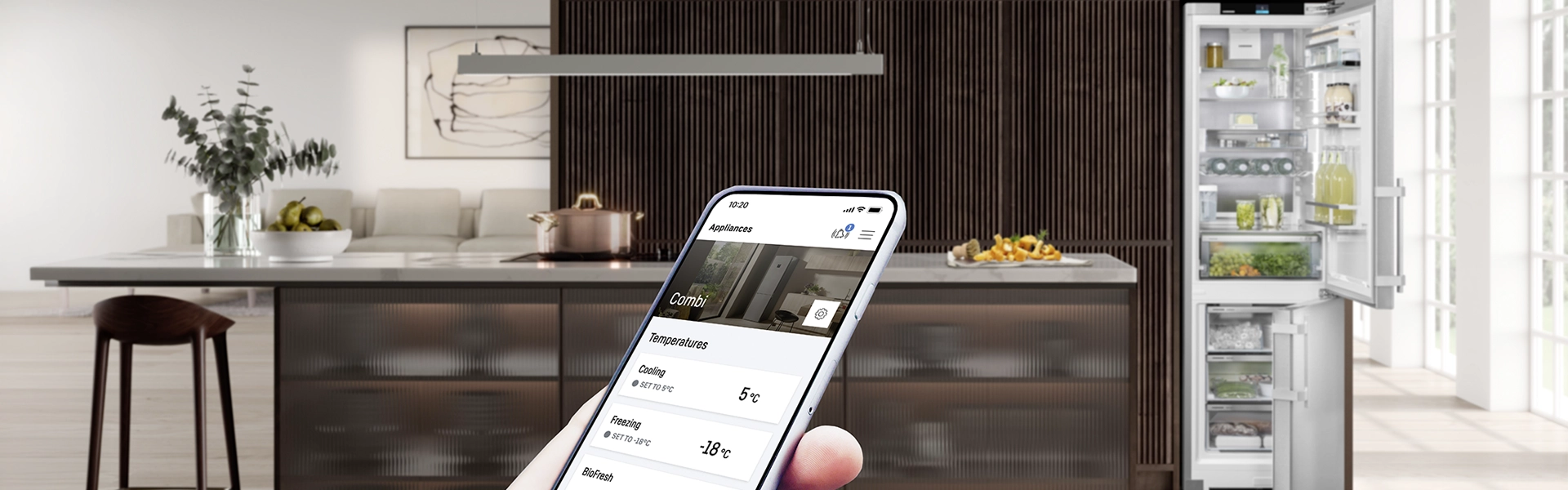
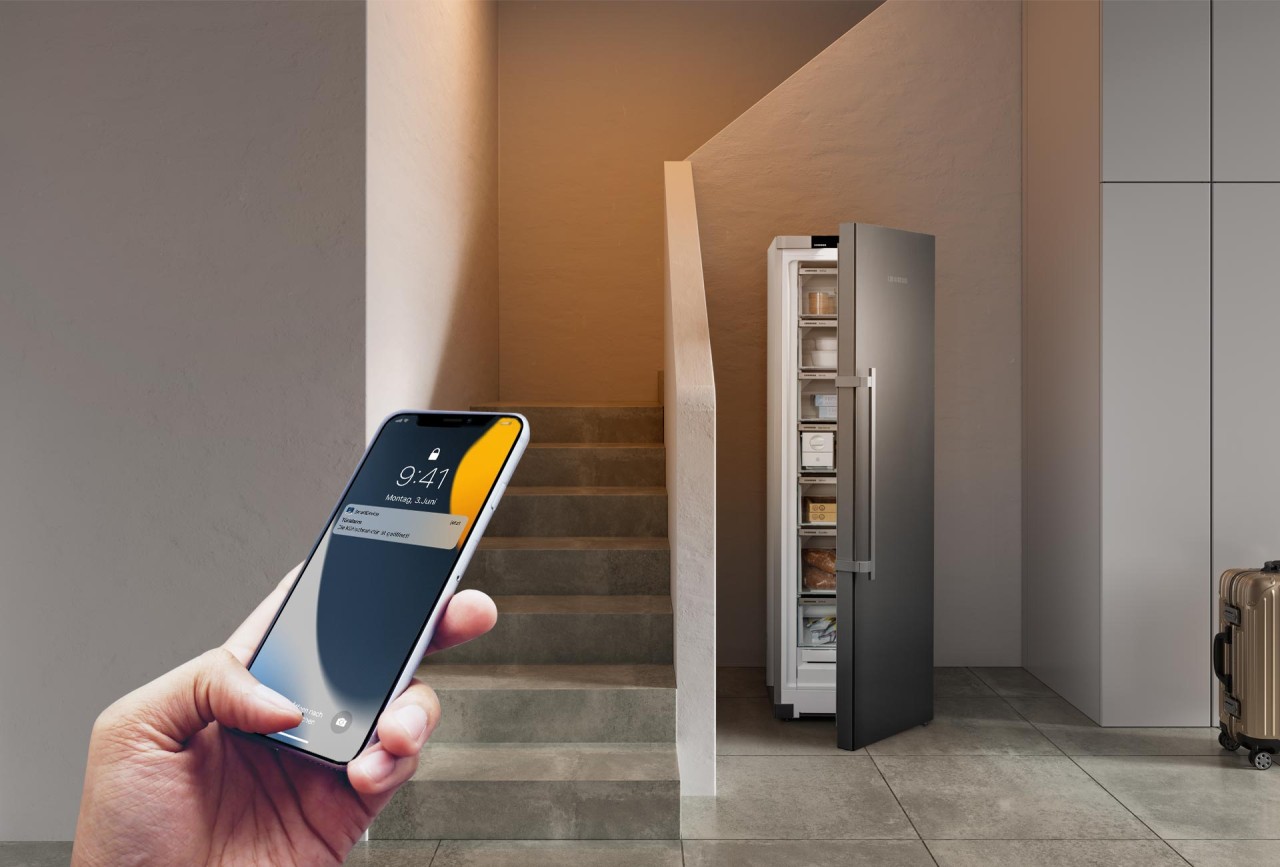
SmartDevice is the networking solution for your smart Liebherr refrigerator. You can control your smart refrigerator directly using your smartphone or tablet via the SmartDevice app – conveniently from all over the world. Status messages – for example, if a door has been left open – are also sent directly to your smartphone as push messages. Our broad partner network also enables seamless integration into your SmartHome.
The advantages of SmartDeviceBox for you at a glance
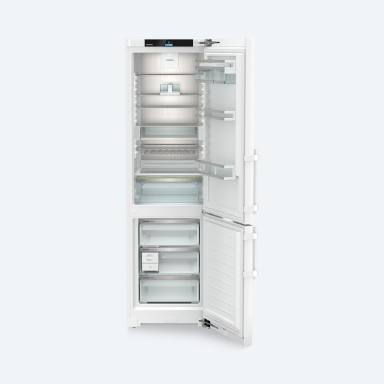
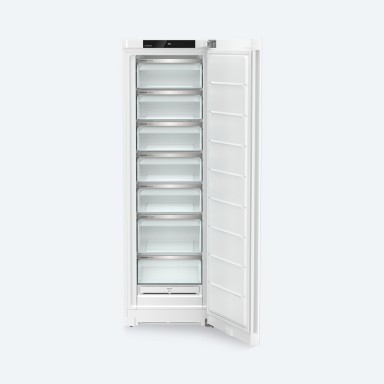
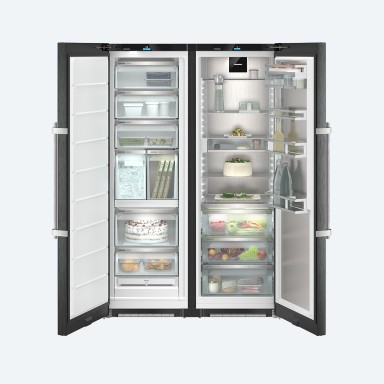
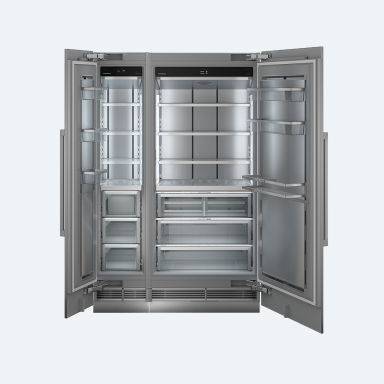
Technology that makes your everyday life easier
Your smart refrigerator helps with thoughtful features whenever it can
Have you forgotten to cool your drinks? No problem, thanks to the BottleTimer. Simply place the bottles in the freezer compartment and activate BottleTimer via app. As soon as they are optimally cooled, you will receive a notification. This makes burst bottles a thing of the past.
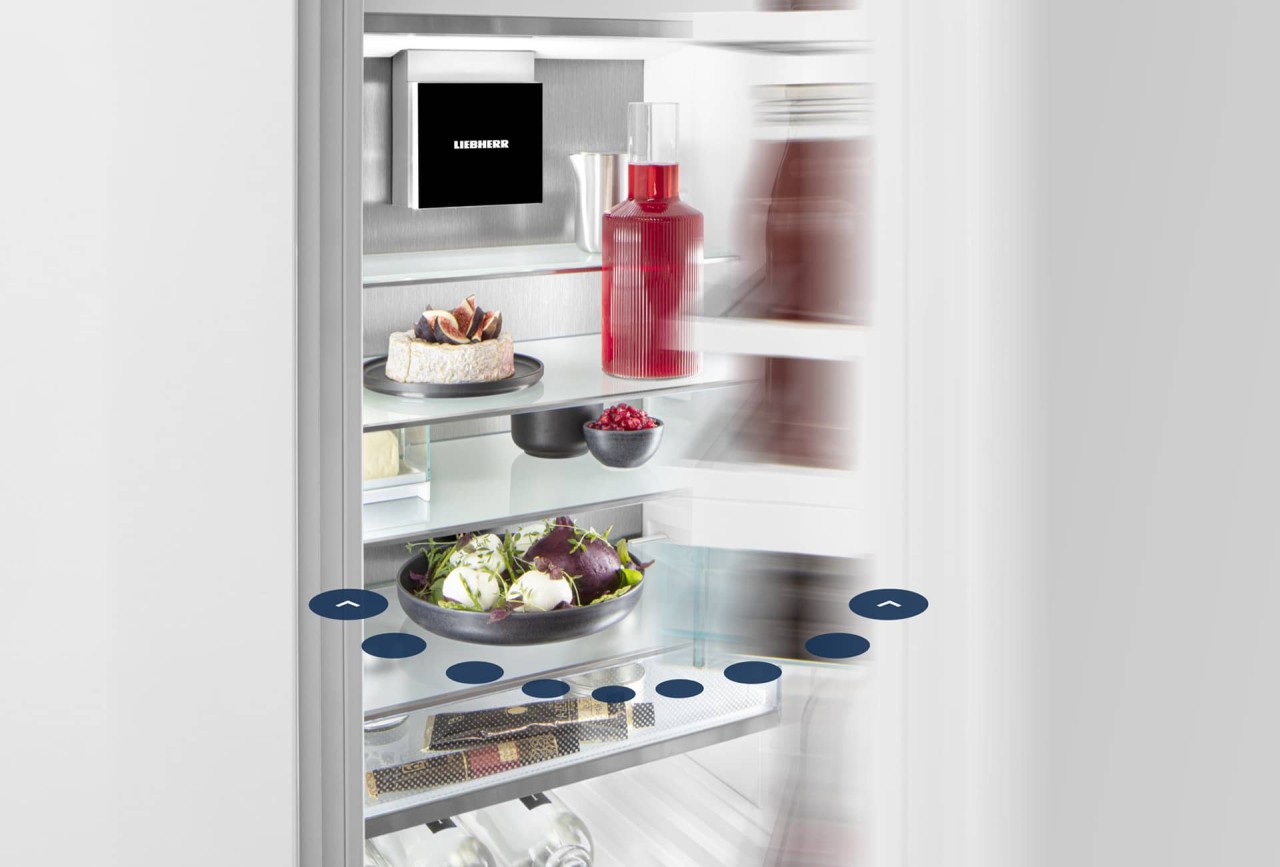
AutoDoor. One less task for you.


SmartDevice app
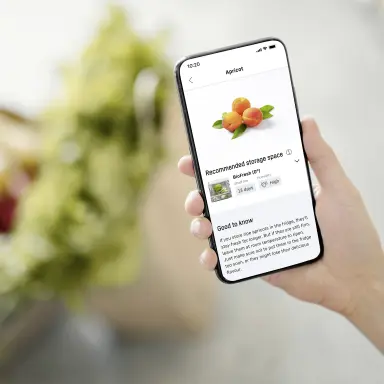
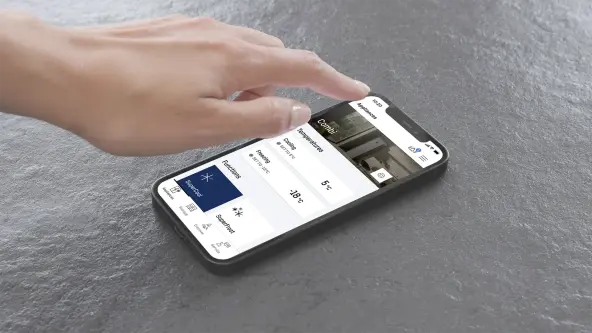
The SmartDevice app is the perfect companion for your smart Liebherr. The app keeps you constantly connected with your smart refrigerator or freezer, enables you to control all the functions conveniently from anywhere, keeps you continuously informed about the current status of your appliance and helps you find suitable accessories for your appliance, for example. In addition, you receive important messages directly on your smartphone, bringing you more convenience in everyday life. Download the free SmartDevice app now.
We take data protection very seriously
For this reason, we have not just chosen any old software partner. Microsoft, as the first leading provider of cloud services, is certified in accordance with the international standard ISO/IEC 27018, which regulates data protection, and uses AES-256 – the same encryption technology employed in the banking sector. All personal data will be anonymized in the Cloud on transmission from the SmartDeviceBox. We manage our users’ personal data exclusively via servers in our own data center in Germany. This offers you maximum security in accordance with the high German and European data protection standards.
Questions and answers about the SmartDeviceBox
Currently, the following functions are possible with the SmartDeviceBox and SmartDevice app:
- Registration of your Liebherr appliances with your smartphone or tablet via the SmartDevice app
- Appliance management from anywhere, e.g. querying the appliance status and changing the temperature settings of your appliance
- Switching functions such as SuperCool and SuperFrost (depending on the functions of your appliance) on and off
- Notifications about relevant status and alarm messages directly to your smartphone, including reminder functions such as door alarm or BottleTimer (depending on the functions of your appliance)
- Networking with other services by partners such as voice assistants or Smart Home platforms
To use the functions of the SmartDeviceBox to their full extent, the following prerequisites should be met:
- A SmartDevice-compatible refrigerator
- An Android or IOS-compatible smartphone/tablet with internet access (mobile data access or WiFi).
- Please note that additional costs may be incurred depending on your Internet provider.
Further technical requirements for your home network and router are:
- IEEE 802.11b/g/n with 2.4GHz. However, if you use a router with a cycle rate of 5GHz (IEEE 802.11n/ac), please ensure that your router is set to “mixed operation.”
- The WiFi network key must not exceed 64 characters.
- IPv4
- WPA2 personal
- The ports cannot be configured; a connection to Port 8883 of the server service.home.myliebherr.com is established by default.
- Connection via guest access may lead to problems.
You can find instructions and videos on how to insert the SmartDeviceBox easily on this page.
- Reset the SmartDeviceBox WiFi (“see question: How do I reset the WiFi settings for the SmartDeviceBox?”)
- Carry out the connection process again as described in the app. You can find further information and a step-by-step guide here.
Please ensure the following:
- Your mobile device has the most up-to-date version of the app.
- The SmartDeviceBox WiFi was correctly reset.
- You entered your home network password correctly.
- Your router has a strong enough WiFi signal.
We have compiled a detailed guide on this page.
- Select your appliance under Settings in the app. Then select the function “Edit WiFi login data” and follow the instructions in the app.
- Otherwise, you can proceed as follows: Delete the appliance in the app and add it again. Carry out the SmartDeviceBox WiFi reset (see question: How do I reset the WiFi settings for the SmartDeviceBox?) and start the connection process as described in the app.
You can find an explanation of the various symbols on this page.
The SmartDeviceBox still contains valuable materials and must be disposed of separately from unsorted domestic waste. A discarded SmartDeviceBox must be correctly disposed of in accordance with local regulations and laws.
Many functions are available to our Smart Home partners. We have compiled all the commands, guidelines and functions in our FAQs on the Smart Home-Partner such as Amazon Alexa.
- All telemetry and metadata from the appliance that lies within the scope of services of the networking module is collected, and does not contain any personal information. The data does not contain any trade secrets.
- The data types and examples:
- metadata, such as appliance model and article number
- Appliance status, such as active alarms
- Appliance settings, such as temperature and active modes
- Connection data such as Mac, SSID
- The data types and examples:
- The data is collected every time a change is made (on the appliance or via remote control) and every eight hours.
- The data will be stored permanently.
- Upon agreement to the data usage policy, Liebherr-Hausgeräte GmbH (hereinafter referred to as “Liebherr”) becomes the data owner.
- Liebherr-Hausgeräte GmbH
- Memminger Strasse 77-79
- D-88416 Ochsenhausen, Germany
- The data is used by Liebherr for the purpose of application functionality and for service purposes.
- Liebherr does not pass on data to third parties, as a matter of principle.
- The user can query the data using our contact form. The data from the last 14 days from the date of the request will then be made available to the user. You can also use this email address to request the transfer of data to third parties and to request the termination thereof.
- The data usage agreement is valid indefinitely and can be terminated with three months’ notice.
- The user has the right to lodge a complaint with the competent authority referred to in Article 378 of the Data Act on the grounds of a violation of any of the provisions of Chapter II of the Data Act.