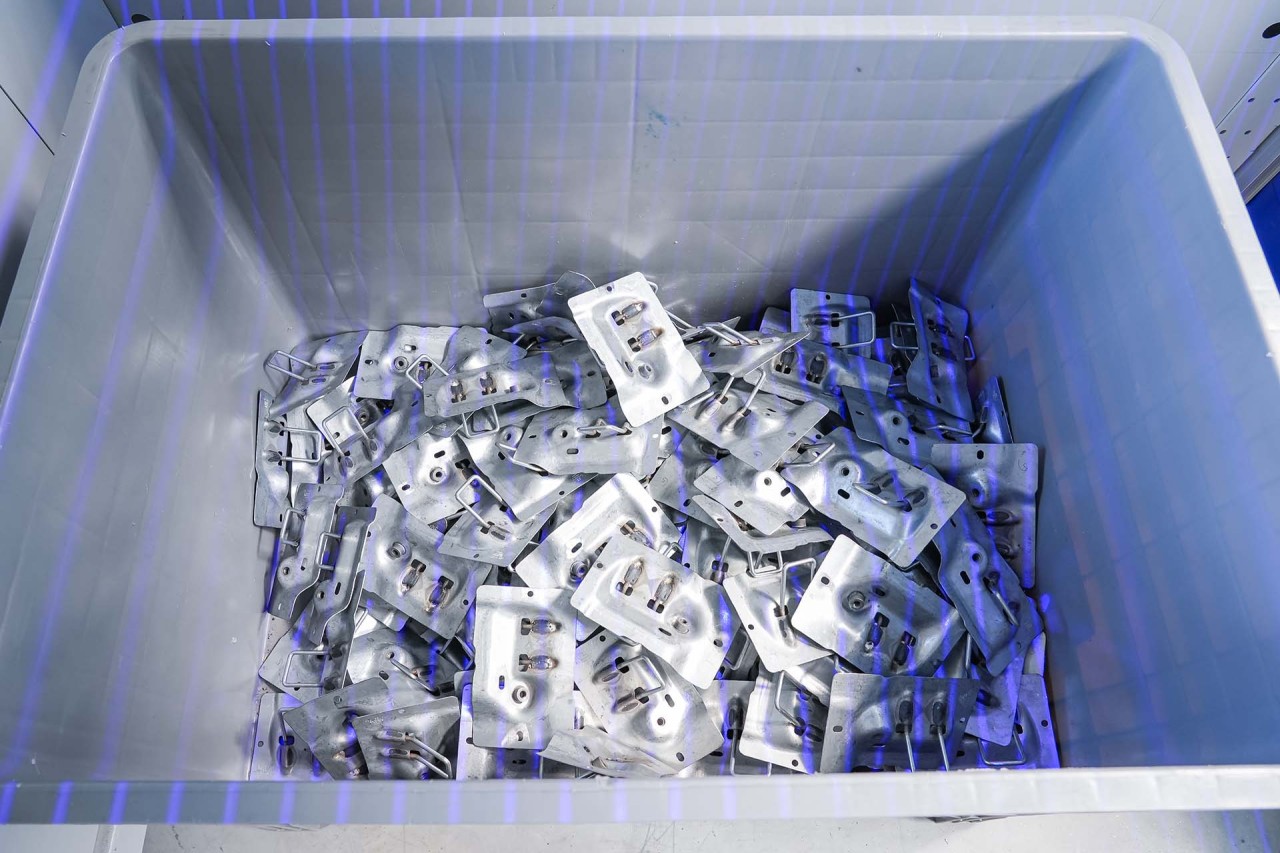

Gear technology and automation systems

Robot vision technology packages - LHRobotics.Vision

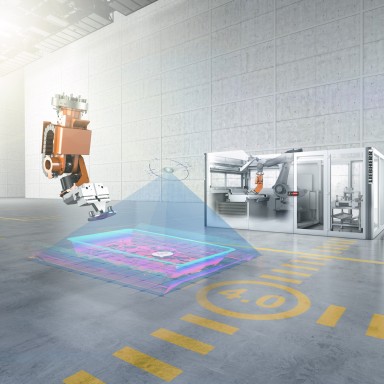
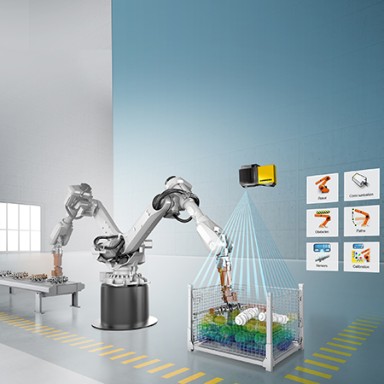
Liebherr is making its expertise in the field of industrial robot vision applications available to a wide user group with the LHRobotics.Vision technology packages.

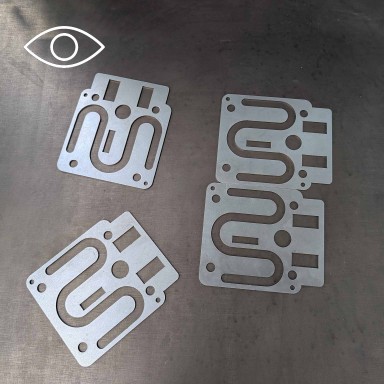
An eye for detail

The technology package

The technology package includes LHRobotics.Vision Software, which makes both precise object identification and selection and collision-free part withdrawal possible. Optionally, the software can also manage robot path planning up to the deposit position. An additional project-based vision system is required for this application.

Project-based vision systems with numerous image field variants for any application

Software

Basic licence

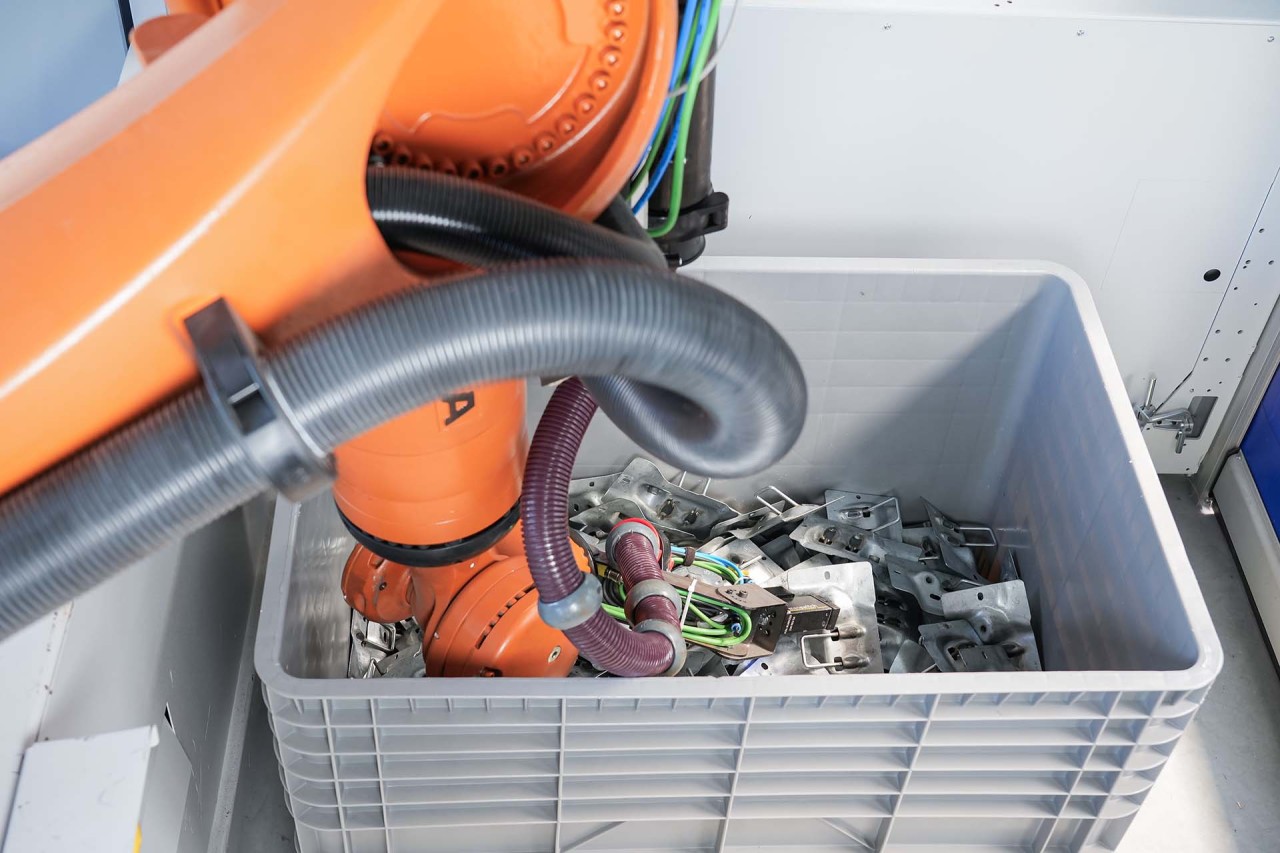
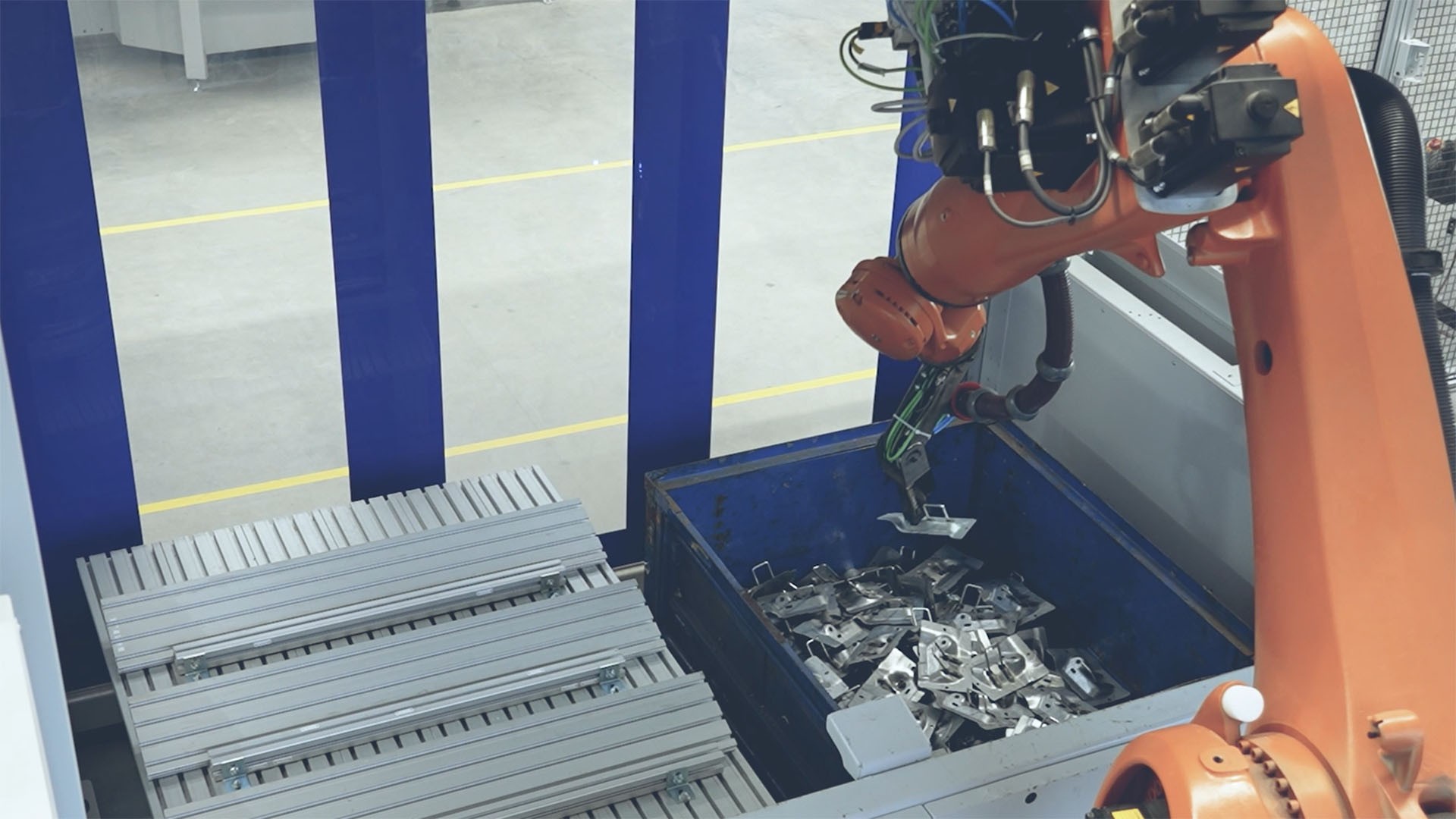
The inexpensive basic licence includes workpiece recording as well as collision-free removal. This version is ideal for applications in which the deposit position and corresponding path planning should not be taken over by the LHRobotics.Vision Software. The collision check is limited to the gripper model and, in this version, the robot’s interfering contour is not taken into account. That makes this variant particularly suitable for flat cases or large grippers that plunge deep into the bin.

With the basic licence, LHRobotics.Vision cab be operated in a limited version. The following functions have been left out of the basic licence:

  • Creation of deposit positions and therefore also path planning for deposits.
  • Addition of obstacles
  • Addition of a robot model

Pro licence

The pro licence offers the complete functional range of the LHRobotics.Vision Software. In addition to the basic licence features, the following data functions are available in this version:

  • Creation of a robot model for collision checks
  • Creation of deposit positions
  • Path planning up to the deposit position
  • Input of the complete cell environment for collision checks during path planning

This version is particularly suited to applications in which the deposit position of the workpiece once it has been removed is important for the process sequence

Smart bin picking software

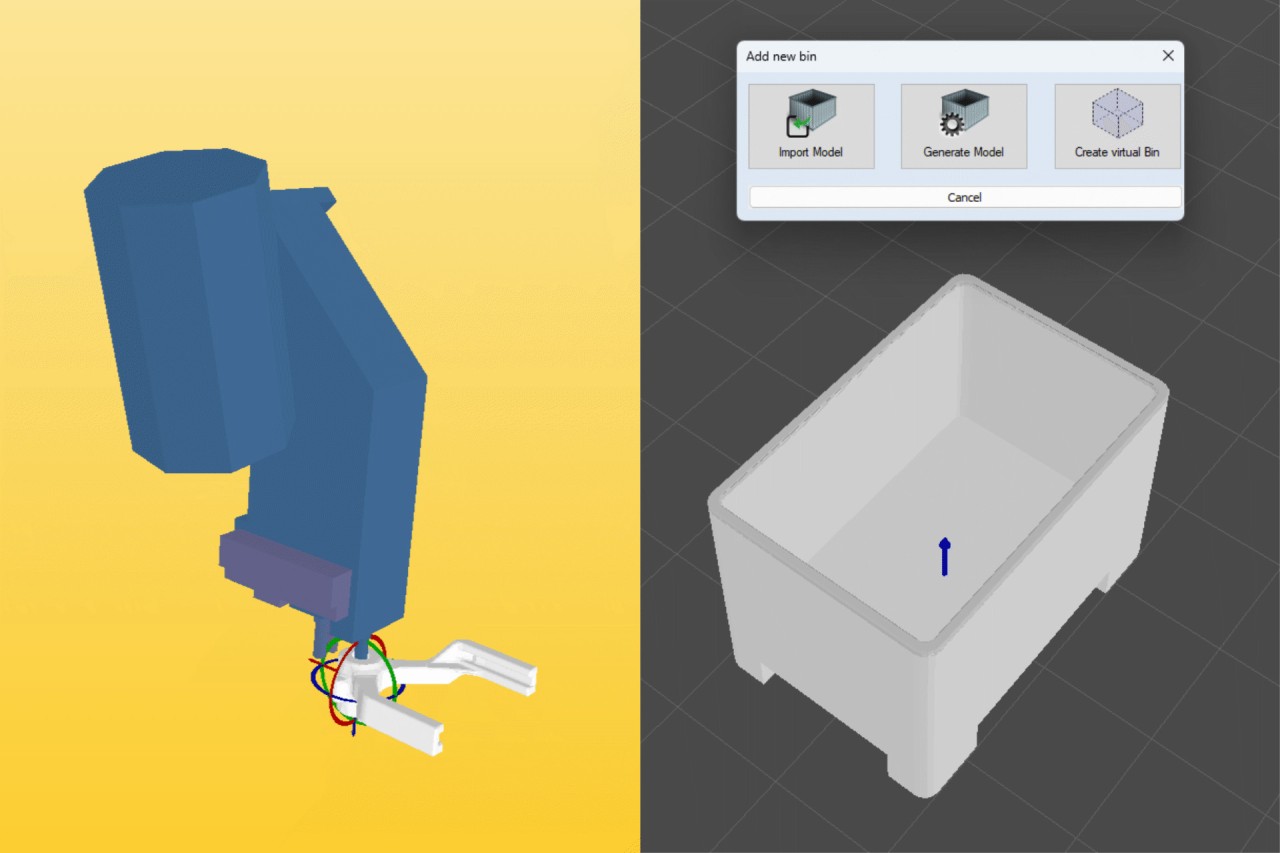
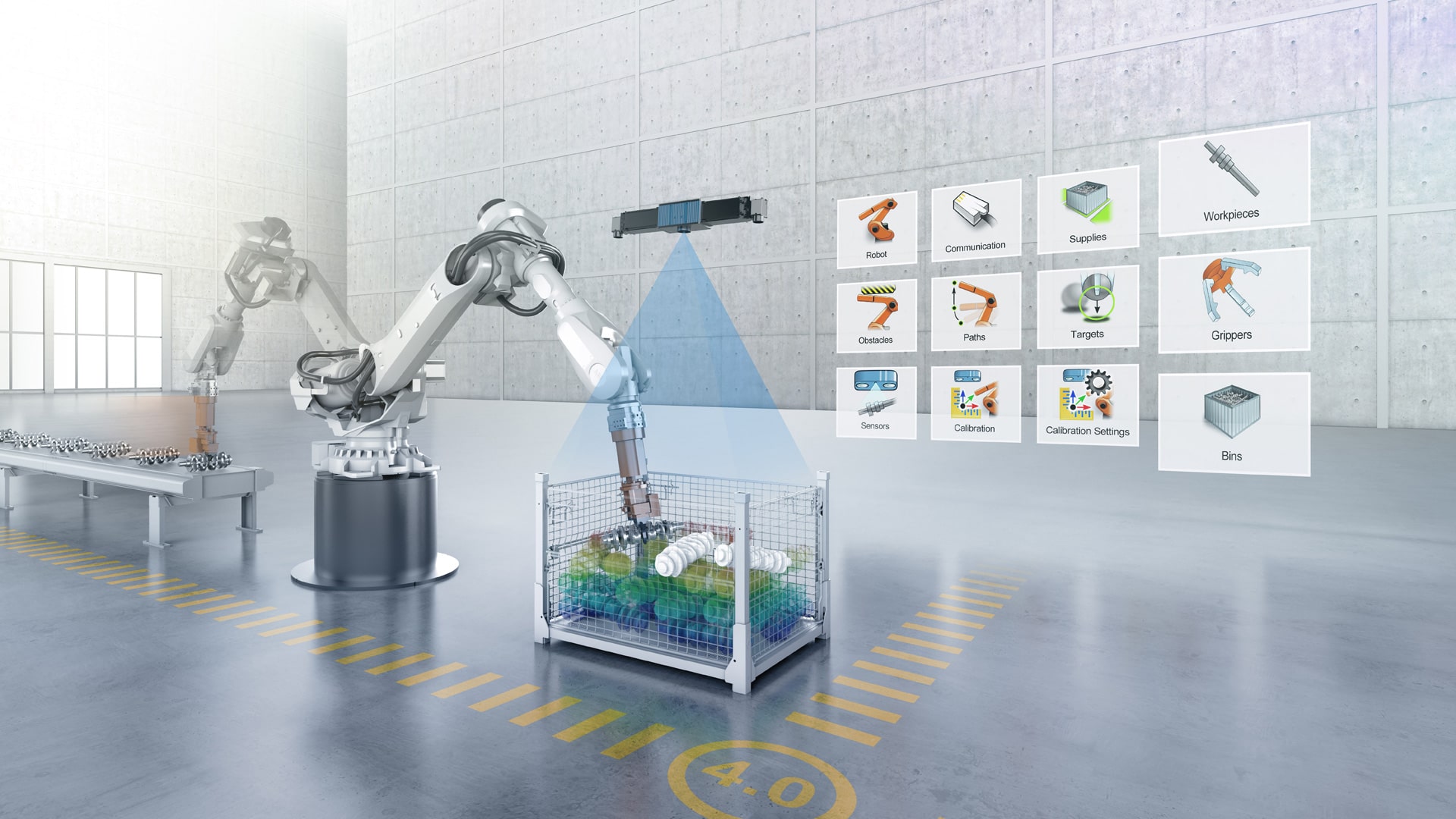
Designing a complex application without absolutely no knowledge of programming? LHRobotics.Vision makes it possible: The intuitive graphic control panel makes it easy to enter all the necessary information quickly, starting with:

  • Creation of workpieces
  • Configuration of transport containers

It is possible to create models directly in the software using simple geometry or to import any available CAD data.

Step by step to the right grip

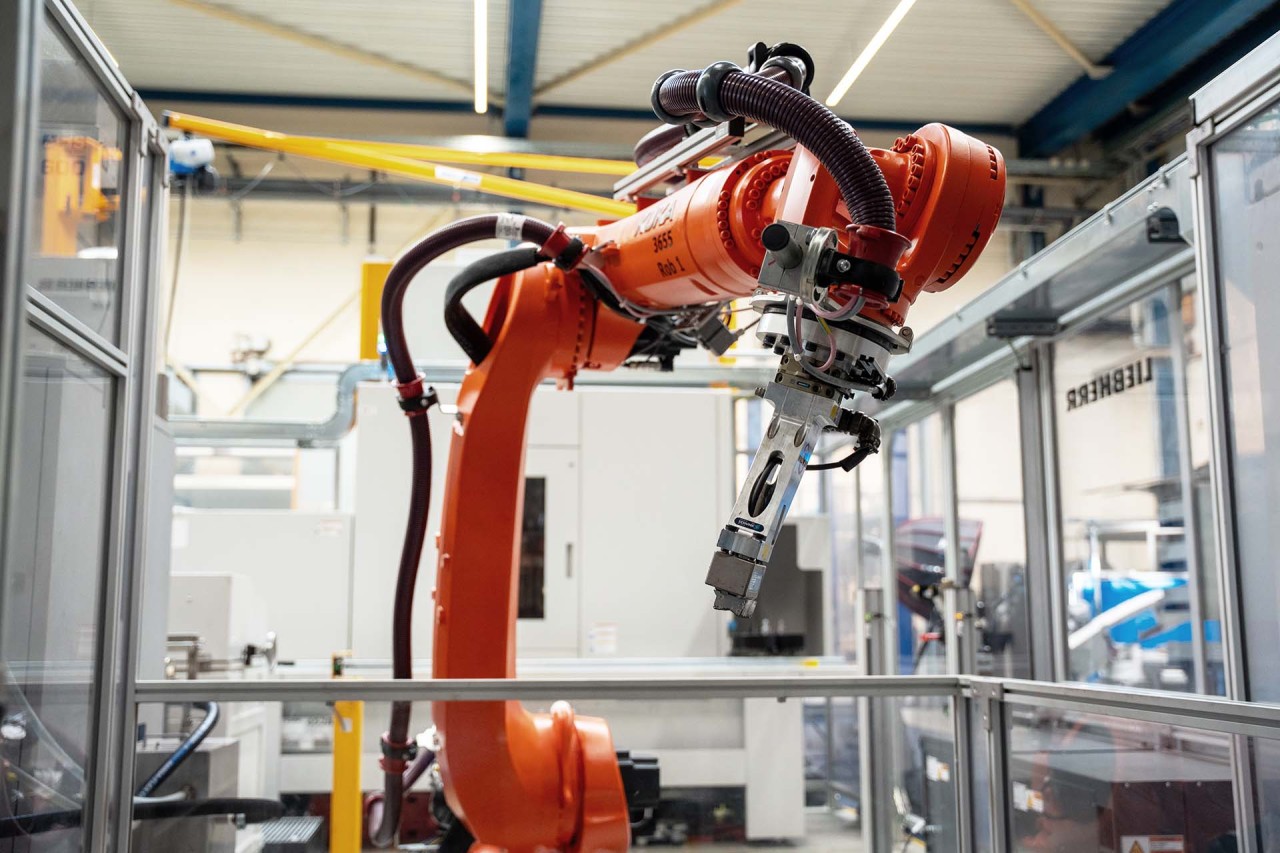
In order to create true-to-life visualisations of part withdrawals in the software, including all axis movements, the gripper is also rendered down to the smallest detail: even seventh or eighth axes can be displayed. For the interfering contour, the current status of the gripper – open or closed – is also accounted for. Here too, available CAD data can be used.

Fusion of gripper and workpiece

When a workpiece and a gripper meet, it is essential to define the right picking position. This can be accomplished by visual positioning of the gripper or the exact definition of the coordinates. Degrees of freedom can even be tested and true-to-life removal cycles visualised using the LHRobotics.Vision Sim plugin. This makes it possible to optimise the gripper before actually testing the application.

Keeping an eye on your surroundings

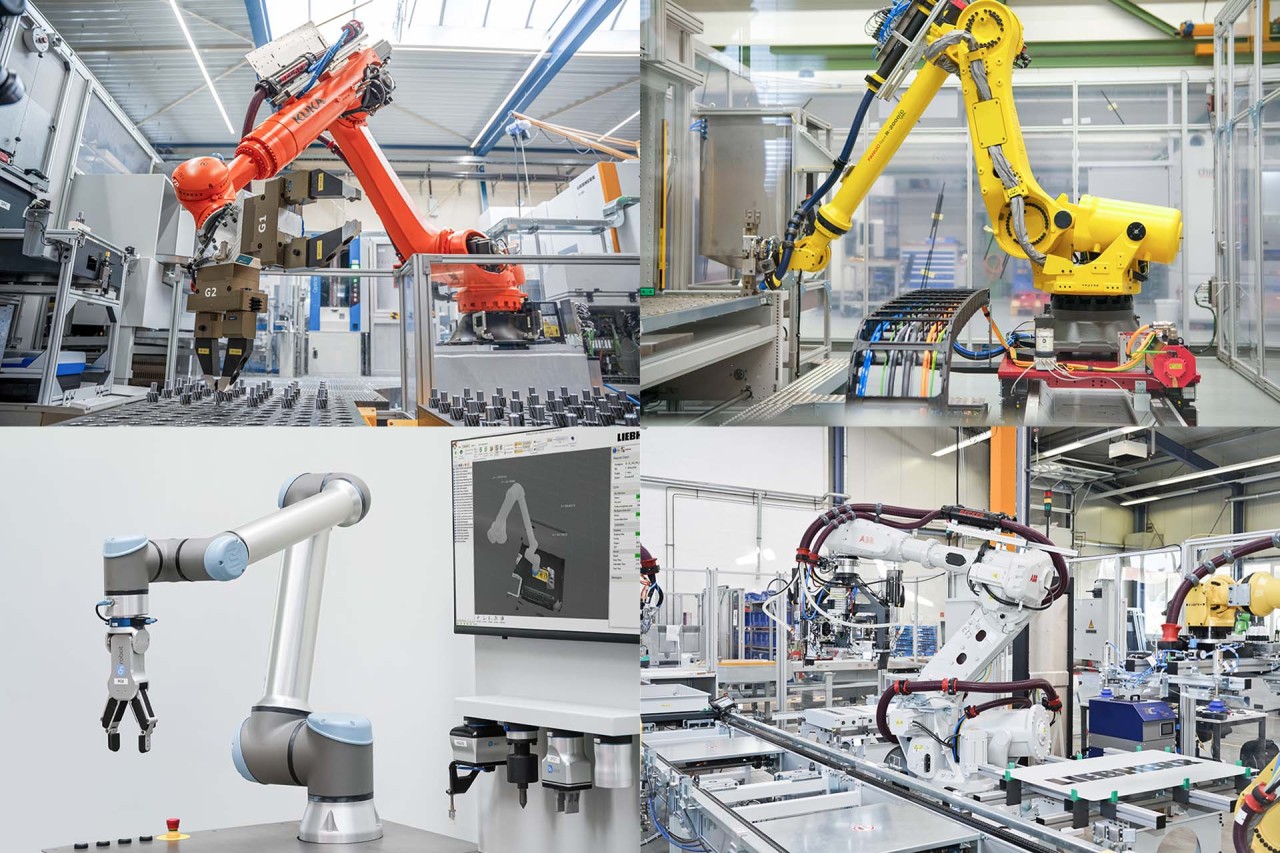
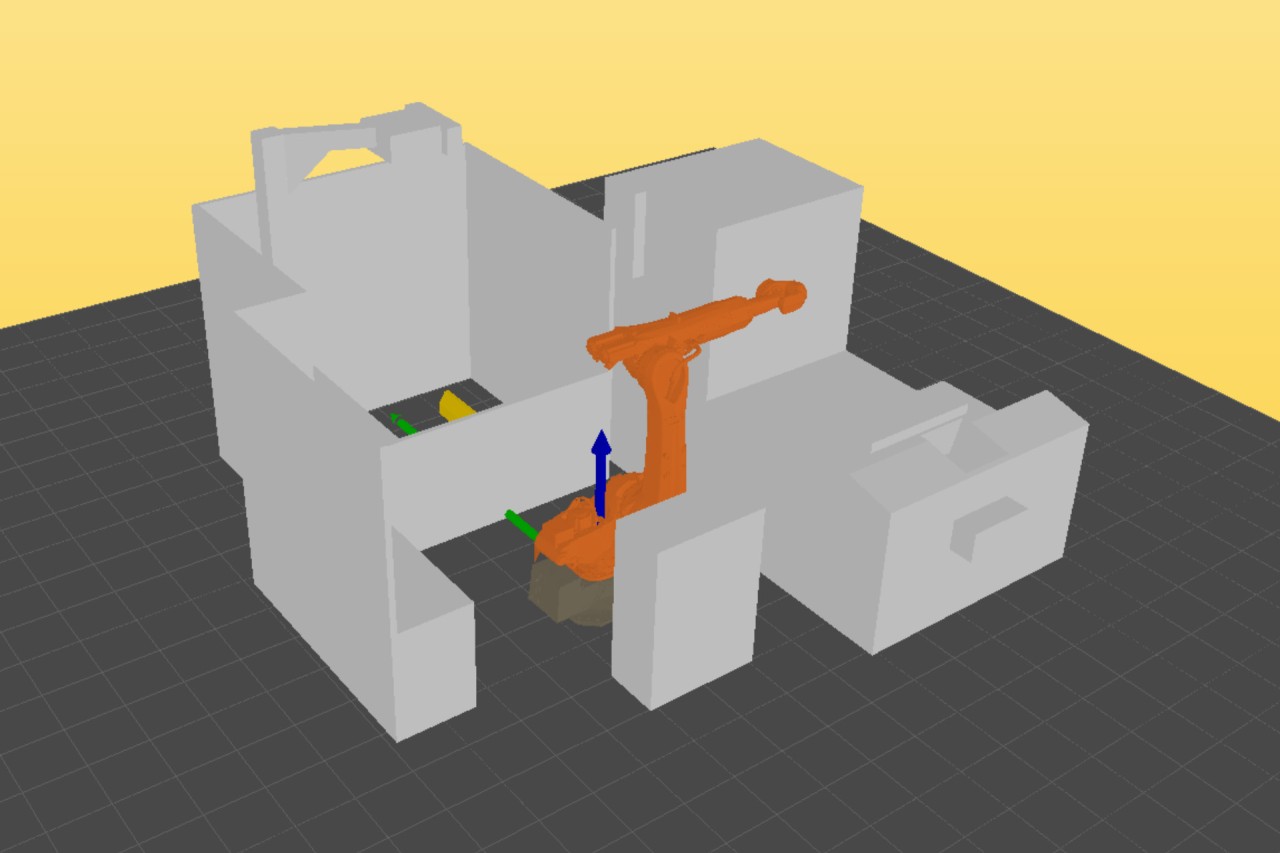
Once the parts and the gripper are created, it is time to take a look at the periphery: To check the machining chamber, the robot being used is selected from the library. All obstacles can be taken into account:

  • Input of obstacles present in the robot's machining chamber
  • Hand-eye calibration of the system between the sensor and the robot
  • Definition of framework conditions for collision-free withdrawal of parts

Integrated simulation options with LHRobotics.Vision Sim

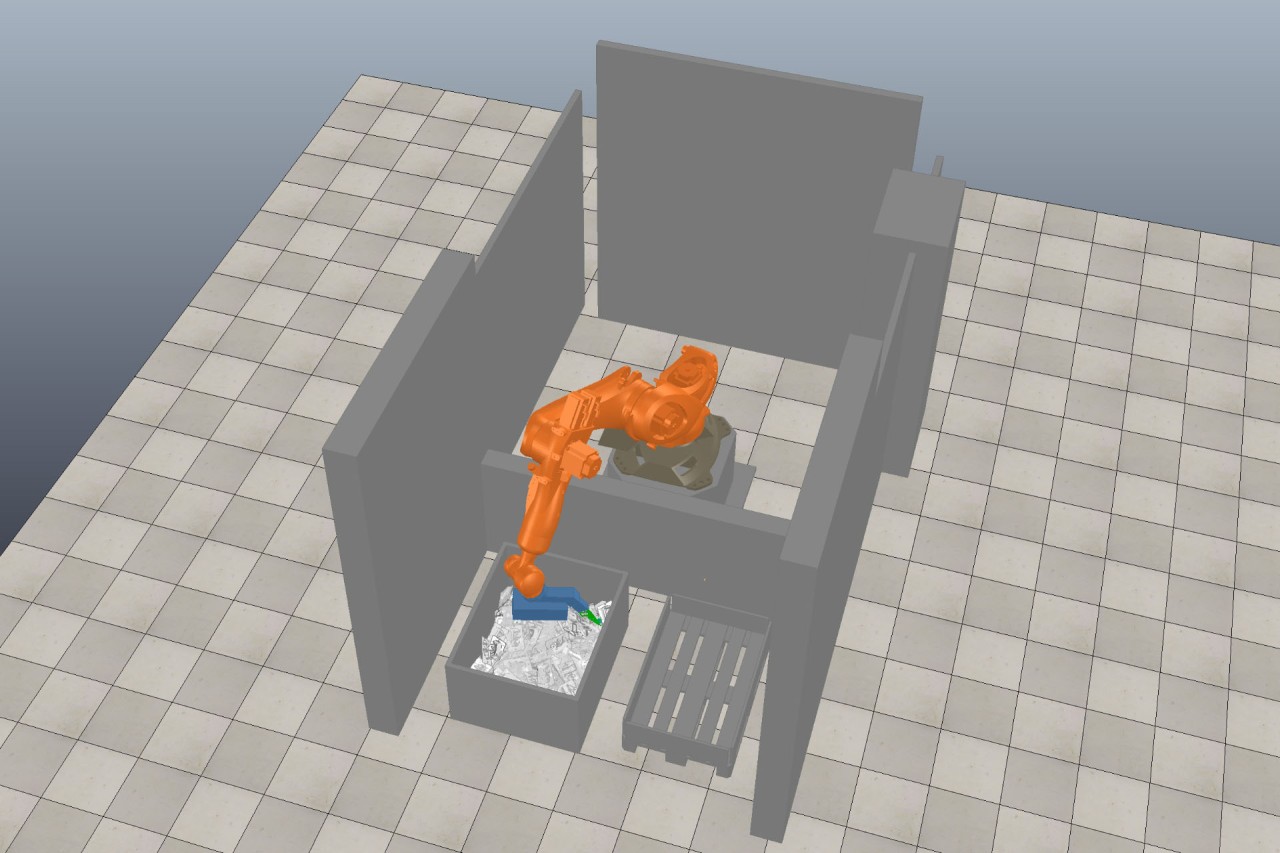
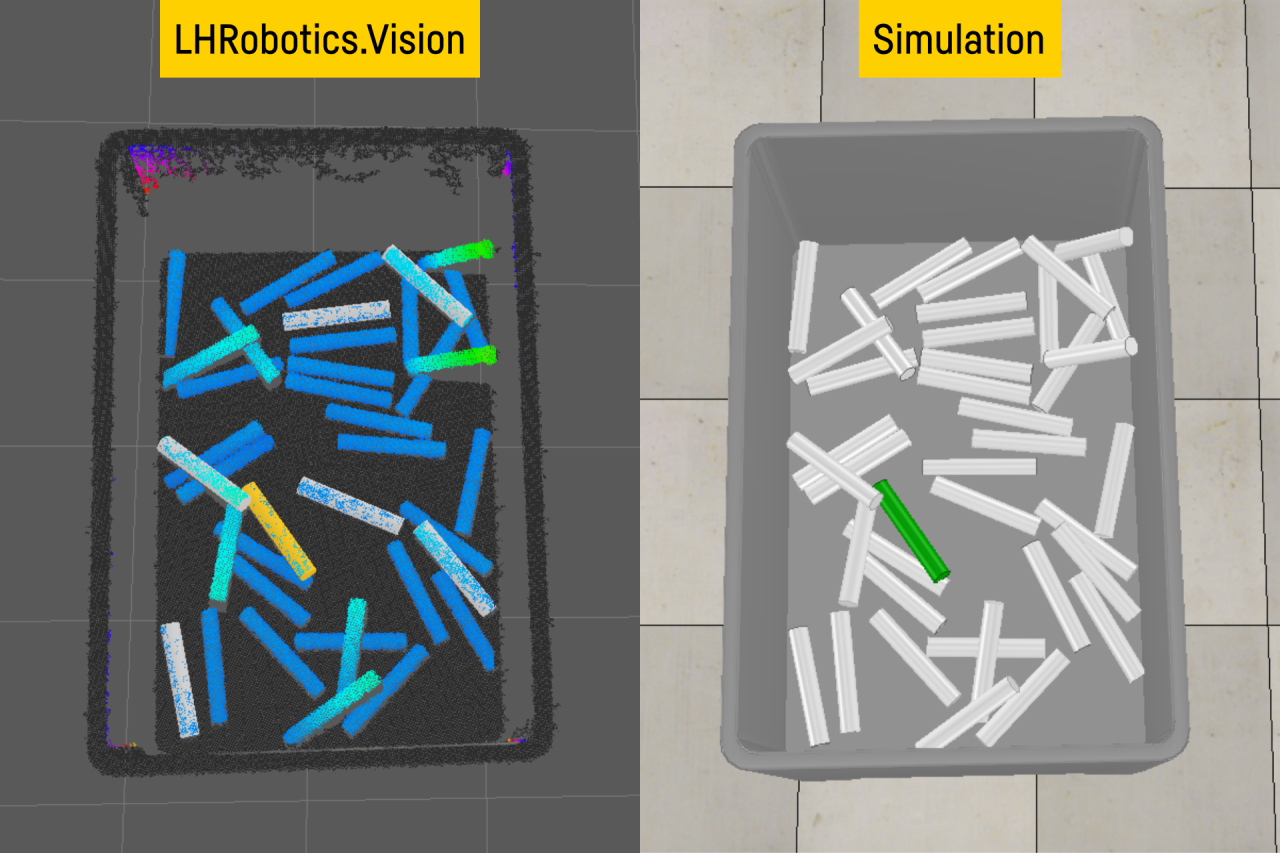
With the extra option LHRobotics.Vision Sim, bin picking applications can be tested even before the physical set-up of the robot cell. This means that the cell layout, the gripper and the emptying rate, among other things, can be checked and any potential problems discovered early. Not only that, but the simulation allows for seamless operation while it performs continuous cell optimisation and aids in the evaluation of new workpiece suitability.

01/05

Artificial intelligence lights the way

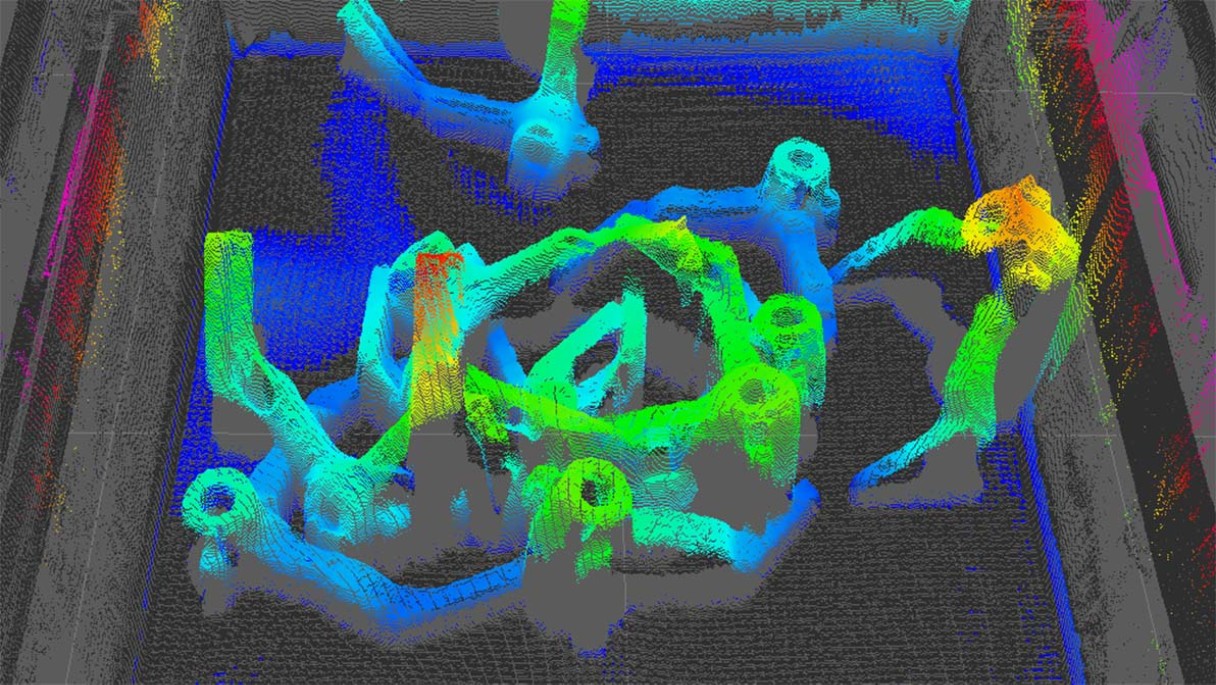
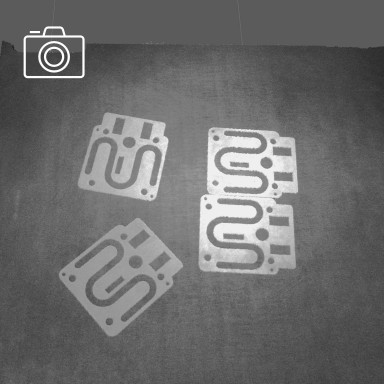
Before
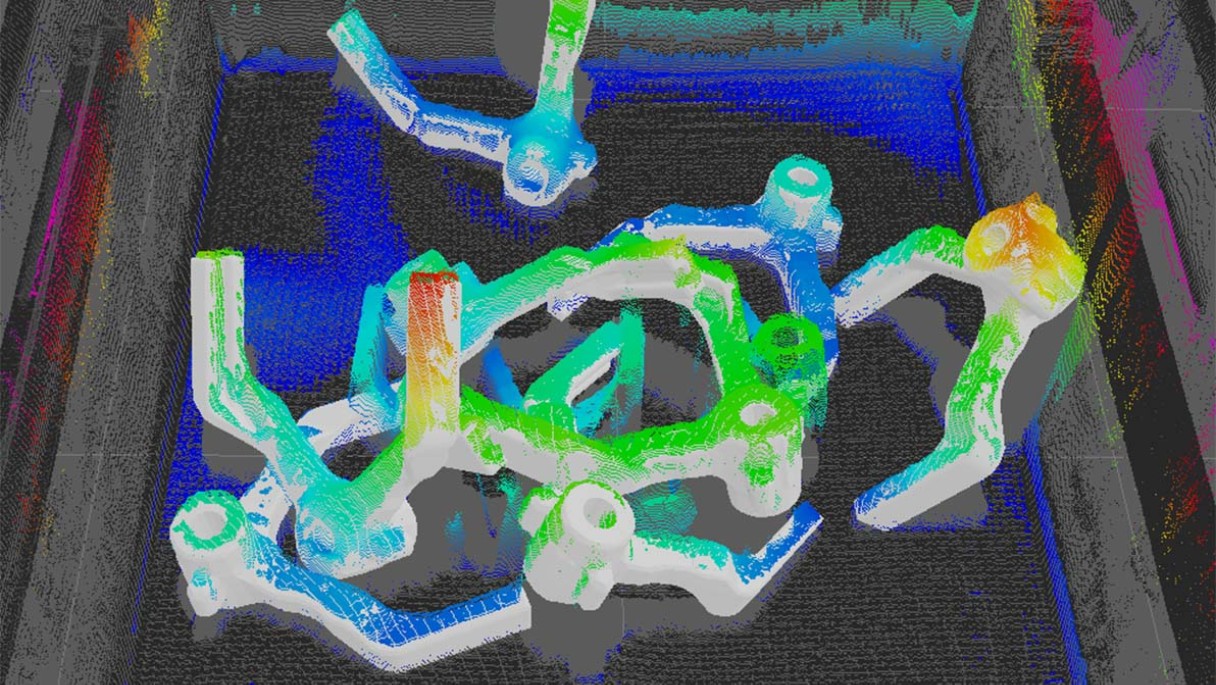
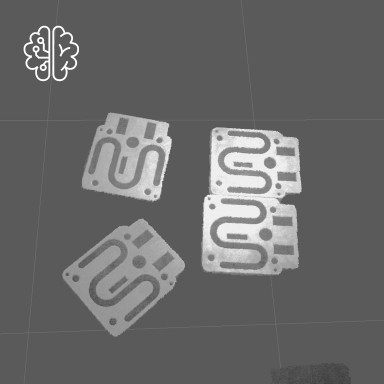
Afterwards

From Version 3.4 on, the optimisation of detection parameters is aided by means of AI.

The user creates a point cloud and classifies it by manually positioning actual workpieces within the point cloud. This points out to the software the areas where the workpieces should be looked for. The software then carries out several automatic scans and independently adjusts the detection parameters. After several iterations, the software determines the optimal settings for recognising workpieces.

Optimisation of workpiece detection with AI-supported point cloud segmentation

In order to more quickly and precisely detect workpieces, Liebherr also uses AI support for segmentation of the point clouds. With the help of AI, a point cloud is divided into partial segments before workpieces are matched to it. This means that the LHRobotics.Vision Software only looks for the workpieces in the defined areas. Segments that are not assigned to the workpieces, such as walls and the floor of the bin, are removed from the point cloud and ignored.

The right camera for every application

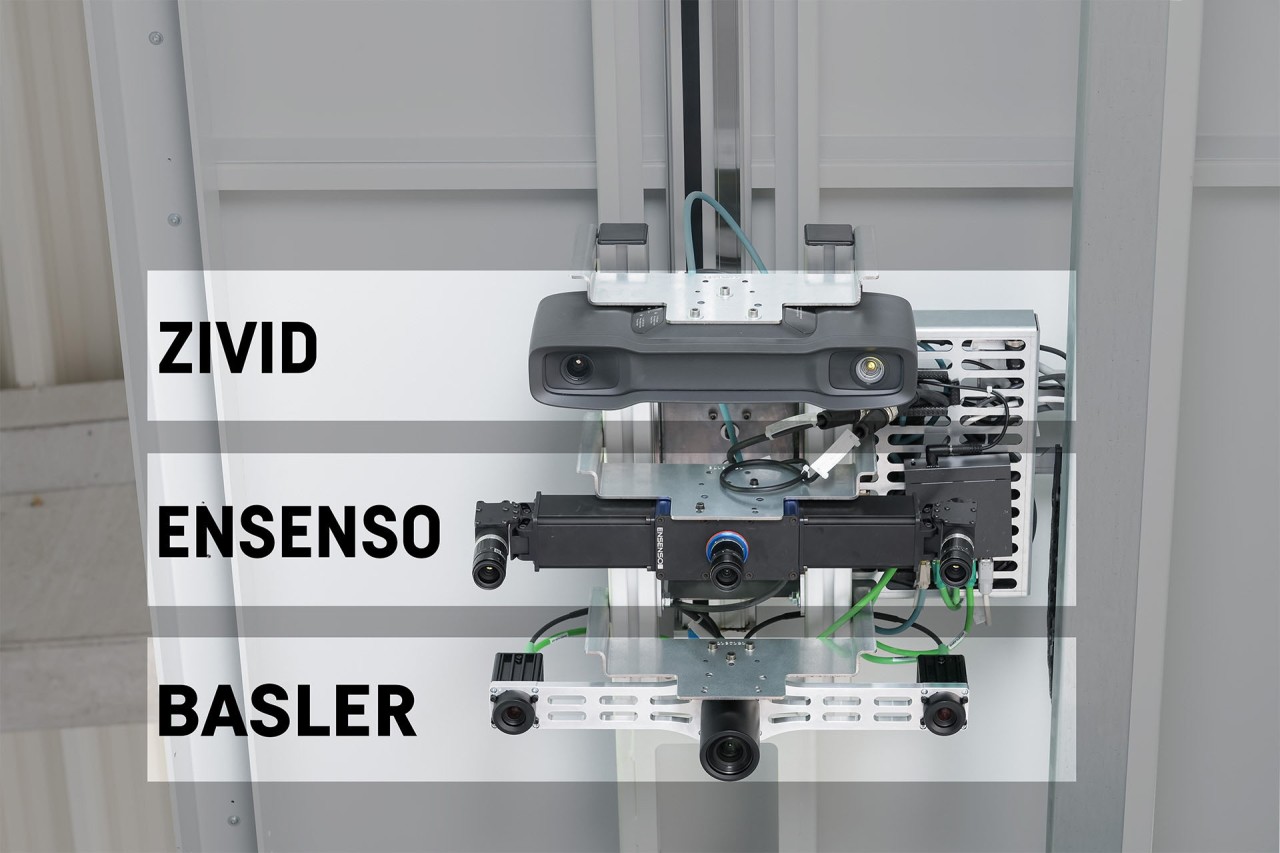
LHRobotics.Vision is equipped with an open sensor interface and can integrate vision systems from Ensenso, Zivid, Keyence, Photoneo and Sensopart, to name just a few. Additional sensors from other manufacturers can also be used with the software.

The range of suitable sensors is determined by several factors. The important thing is the position of the sensor: on-arm or stationary.

Optimal positioning for detail recordings: On-arm application with the sensor on the gripper

To ensure detailed recordings, the sensor must be positioned as close as possible to the workpieces. This is where “on-arm” applications come into play, in which the sensor is directly mounted to the gripper.

The robot handles the precise placement of the sensor and can position it flexibly within the entire machining chamber. With an angled deposit position, even reflective pieces can be reliably detected within the point cloud.

The sensor with an eye on everything

For applications that aim for process sequences with optimised cycle times, sensors that can be positioned above the bin, independent of the robot, are just the thing. These sensors can carry out scans regardless of the robot’s motion, so the next workpiece can already be identified before the robot arm reaches the bin, which means the gripping path can also already be calculated.

01/03

Liebherr - LHRobotics.Vision - How to achieve bin picking in four steps

Your partner for robot vision technology packages

We are happy to answer any question you have regarding robot visions applications.

Jürgen Groß

Sales Manager for Cells & Flexible Manufacturing Systems, Automation Systems, E-Mobility

Liebherr-Verzahntechnik GmbH
Kaufbeurer Straße 141
87437 Kempten
Germany

Tel.: +49 170 950 09 89
Email

Further information on our vision systems

Read exciting articles from our customer magazines as well as press releases
This might also interest you

Sales & service

Here, you will find the right sales and service contact for Liebherr gear cutting machines and automation systems.

Downloads

For more information on gear technology and automation systems, please refer to our numerous brochures. Download now!

Automation

Discover the latest innovations from Liebherr automation systems.